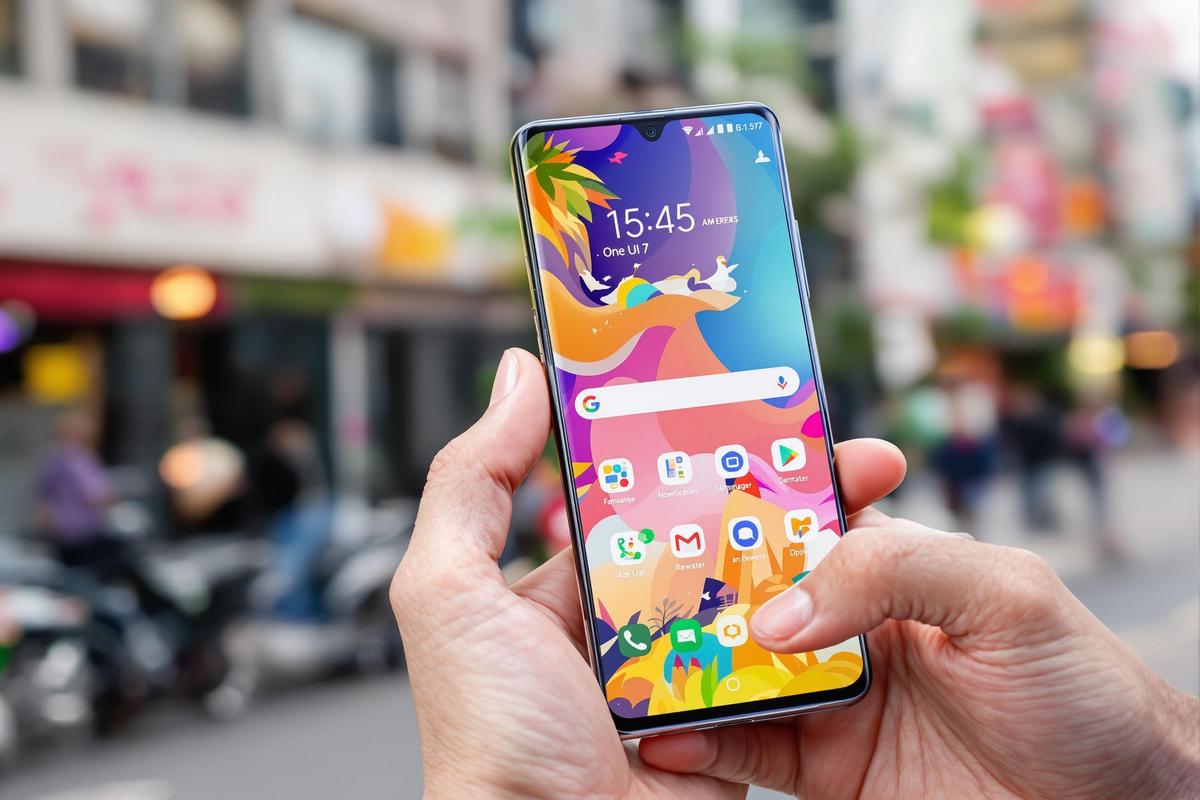
Samsung’s latest interface, One UI 7, promises a smoother, smarter mobile experience. While it was initially previewed on the Galaxy S25, the full rollout is taking longer than expected. But if you’re eager to try it now, there’s a simple way to explore the update—no downloads required.
Try One UI 7 on Any Device with “Try Galaxy”
Samsung has introduced a clever workaround for users who can’t wait for the official release. With “Try Galaxy”, anyone—whether on Android or iOS—can interact with a live simulation of One UI 7 right from their web browser.
The process is straightforward: open the dedicated Try Galaxy webpage on your mobile device and follow the instructions to add a shortcut to your home screen. This gives you quick access to a hands-on preview of the interface and its new features, without needing a firmware update.
How to Add “Try Galaxy” to Your Home Screen
Once on the site, you’ll be prompted with a pop-up asking if you want to save a shortcut to your home screen. Tap “Add,” and that’s it. No apps, no clutter—just instant access to Samsung’s newest UI. This makes it easy to revisit the interface and explore updates at your own pace.
Explore Key Features Before the Official Release
The Try Galaxy demo lets you preview some of One UI 7’s most anticipated upgrades, like the redesigned app drawer and the new Now Brief widget. You can interact with menus, scroll through layout changes, and see how Samsung has enhanced the user experience without committing to a beta program.
What’s New in One UI 7?
Among the most notable improvements is a clearer separation between notifications and quick settings. This redesign not only boosts clarity but makes it easier to manage active alerts while accessing controls like Wi-Fi and brightness.
Samsung has also refined the app drawer to make finding and organising your apps more intuitive. With these changes, navigation becomes smoother and more user-friendly across the board.
A Cleaner, More Cohesive Look
The visual overhaul in One UI 7 isn’t just for aesthetics—it’s built to complement real-world use. Every element, from typography to icons, has been fine-tuned to create a more harmonious experience, both in appearance and function.
Meet the Now Brief Widget: Your Personal Organizer
One of the standout additions is the Now Brief widget, designed to streamline your day. It consolidates essential information—like meetings, reminders, and key notifications—without overcrowding your lock screen. Think of it as a more elegant way to stay updated.
Promotional Videos That Highlight the Upgrade
To support the launch, Samsung has released engaging demo videos that showcase One UI 7 in action—primarily on the Galaxy S25 and S25+. These visual guides go beyond highlighting device hardware; they clearly demonstrate how One UI 7 elevates everyday tasks.
Spotlight on the Galaxy S25 and S25+
In these clips, Samsung puts the spotlight on its flagship models, emphasising how One UI 7 synergises with top-tier hardware for a faster, more responsive experience. It’s a clear pitch to users looking for both cutting-edge tech and thoughtful design.
Hands-On Demos Make the Benefits Clear
What makes these demos effective is their focus on real use cases. Whether it’s organising your screen, improving productivity, or accessing frequently used tools more efficiently, you get a practical sense of how One UI 7 fits into your daily flow.
Final Thoughts: Experience the Future of Samsung’s UI Today
One UI 7 isn’t just a refresh—it’s a full-scale upgrade aimed at redefining how you interact with your Samsung device. And thanks to Try Galaxy, you don’t need to wait for the rollout to get a feel for it.
From smarter widgets to a sleeker layout, One UI 7 offers meaningful improvements across the board. So why wait? Jump into the experience today and see how your digital routine could be transformed—with just a few taps.